9
Three board sizes
4×4 for kids, 6×6 for a quick round, and the classic 9×9 — each on easy, medium or hard.
A colourful cartoon Sudoku for your phone. From a 4×4 grid for kids to the classic 9×9, with big thumb-friendly buttons, springy animations, and puzzles that always have exactly one solution.
Exactly what you get on the phone — nothing retouched.
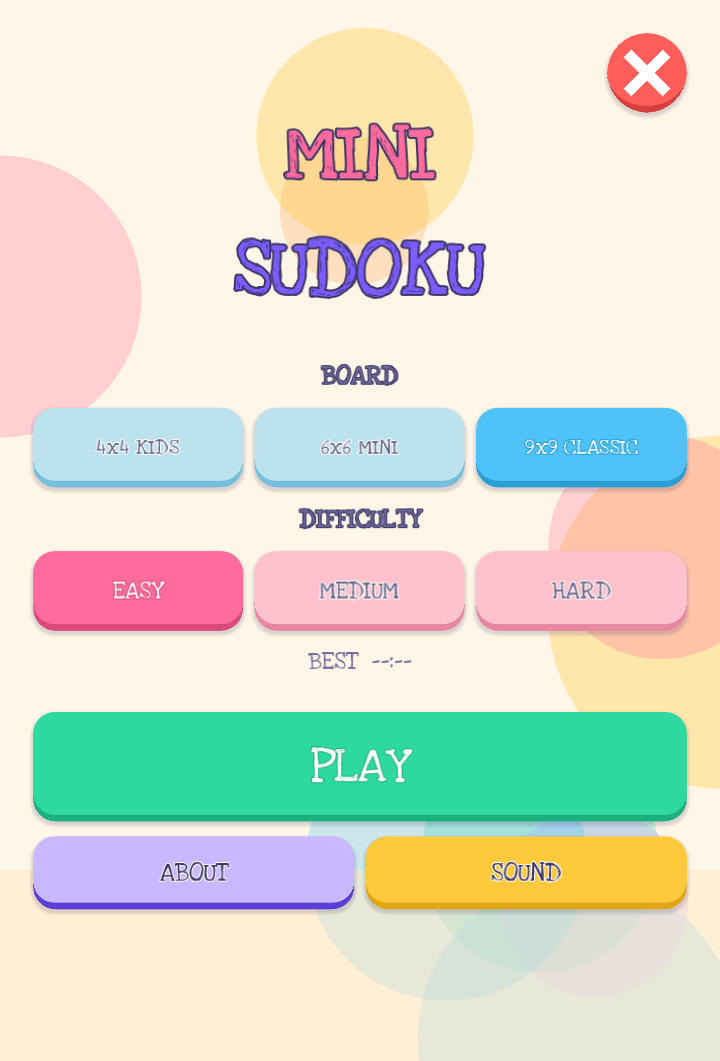
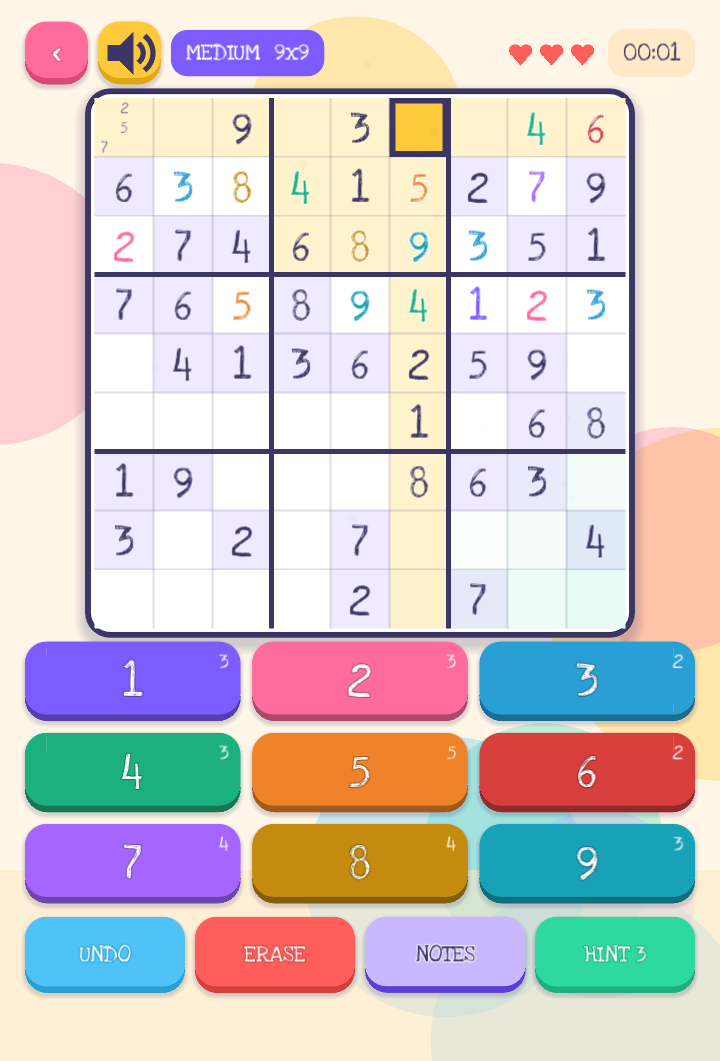
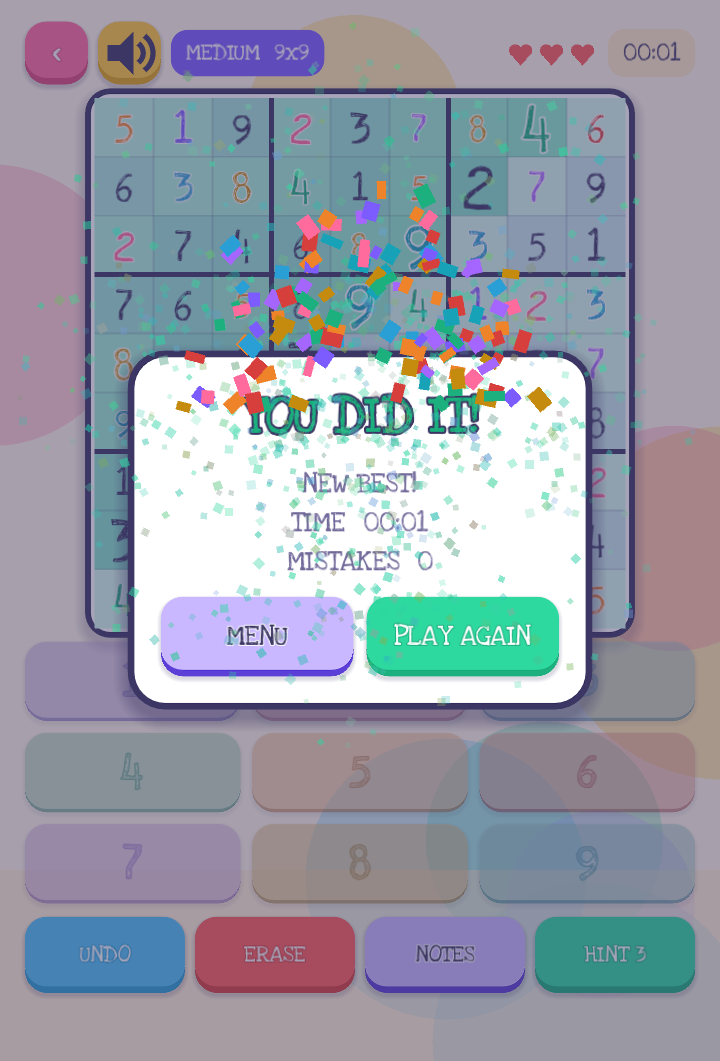
Everything needed to make a round of Sudoku genuinely comfortable on a phone — not a desktop layout shrunk down to fit.
4×4 for kids, 6×6 for a quick round, and the classic 9×9 — each on easy, medium or hard.
Puzzles are built with a bitmask backtracking generator and checked for a unique solution before you ever see them. You are never forced to guess.
A 3×3 notes grid inside every cell, and placing a digit clears that note from every peer cell automatically. Undo remembers 200 moves.
A wrong digit costs a heart and shakes the cell. Three hints are there when a board really will not budge.
The selected cell lights up its row, column and box, matching digits are tinted, and every number button shows how many of that digit are left.
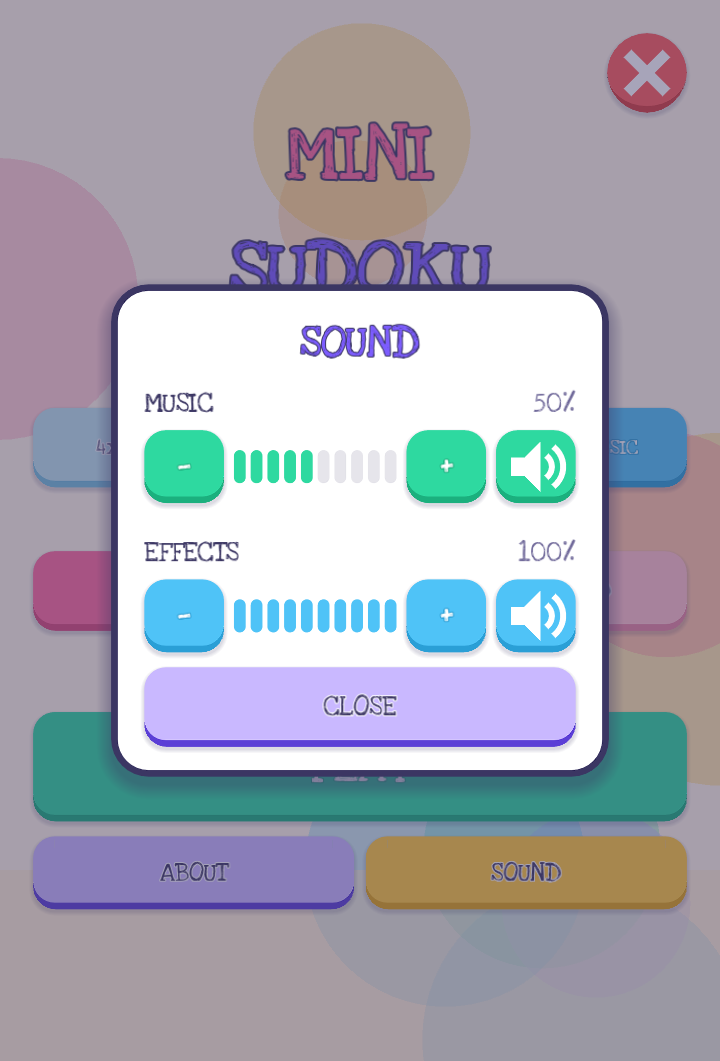
Music and effects have separate levels: ten steps up or down, or off entirely. Your choice is remembered on the device.
An unfinished game is saved automatically and comes back with CONTINUE. Best times are kept per board size and difficulty.
A small banner during play, and optional videos that give hearts back when you run out. The game itself has no account, no sign-in and stores nothing but your saved board; ads are served by Google AdMob.
Read straight out of the APK itself.
| Package name | com.minisudoku.game |
|---|---|
| Version | 1.1 (build 2) |
| Minimum Android | Android 7.0 Nougat (API 24) |
| Target | Android 16 (API 36) |
| Architecture | arm64-v8a |
| Engine | Godot 4.7 · OpenGL ES 3 |
| Android permissions | Internet and network state, plus the advertising-ID permissions the Google Mobile Ads SDK adds. No storage, camera, contacts or location. |
| Signature | APK Signature Scheme v2 + v3 |
| Orientation | Portrait |
This file is distributed outside Google Play, so Android asks for your permission once.
If you already installed an older build from a different file and the install fails, remove the old one first — APKs signed with different keys cannot replace each other.
Ideas, bugs or feature requests are all welcome.